Diary Keeper is a private journal with daily prompts, moods, photos and voice notes. Locked with Face ID, synced with iCloud, and never stored on our servers.
Free to download · iPhone & iPad · iOS 17 or later · No account needed
Built for people who want to keep a diary, not manage one.
A fresh prompt every day, or shuffle for another. Eight templates get you started in seconds.
Add photos, voice notes and places. Pick a mood from three emoji styles, tag entries and mark events like Friends, Travel, Fitness or Rest.
Focus mode hides everything but your words. Bold, italic, underline, strikethrough and lists, with seven handwriting fonts, colours and paper backgrounds.
Search titles, text, tags, events, moods and places. Filter by bookmarks, drafts, photos or year. On This Day brings back what you wrote one, two or five years ago.
iCloud sync keeps every device up to date. Export a print-ready PDF booklet with your photos, Markdown for any notes app, or a full backup you can restore on a new phone.
Thirteen themes from Sunset to Winter Eve. Today's Quote and Recent Entries widgets, your own quotes, and daily reminders on the days you choose.
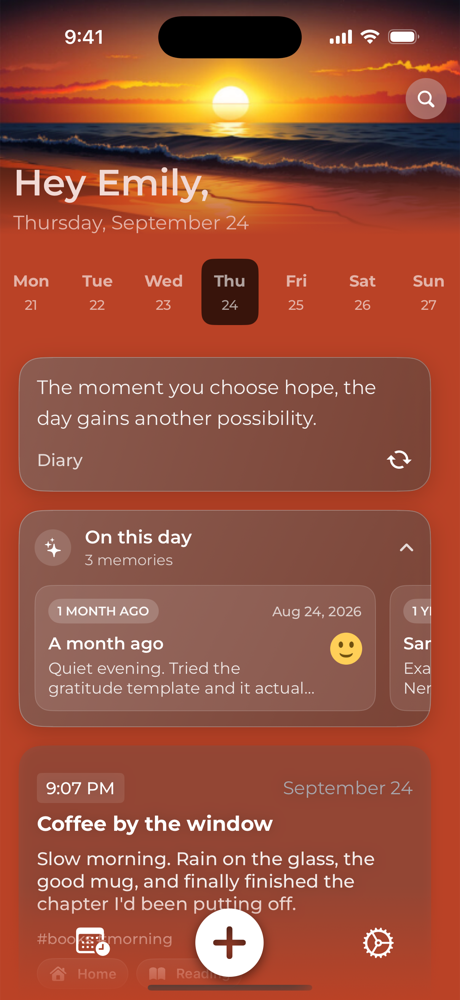
A quick look at Diary Keeper on iPhone.
Home
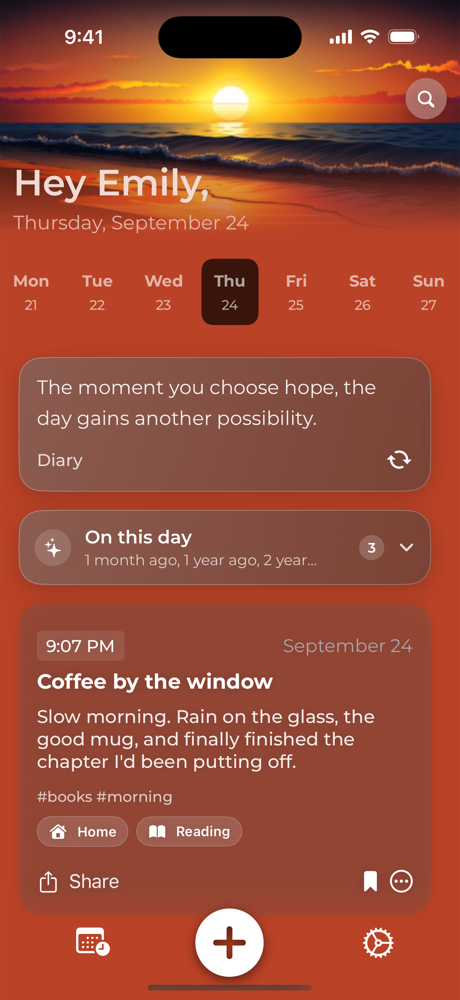
Today's prompt and On This Day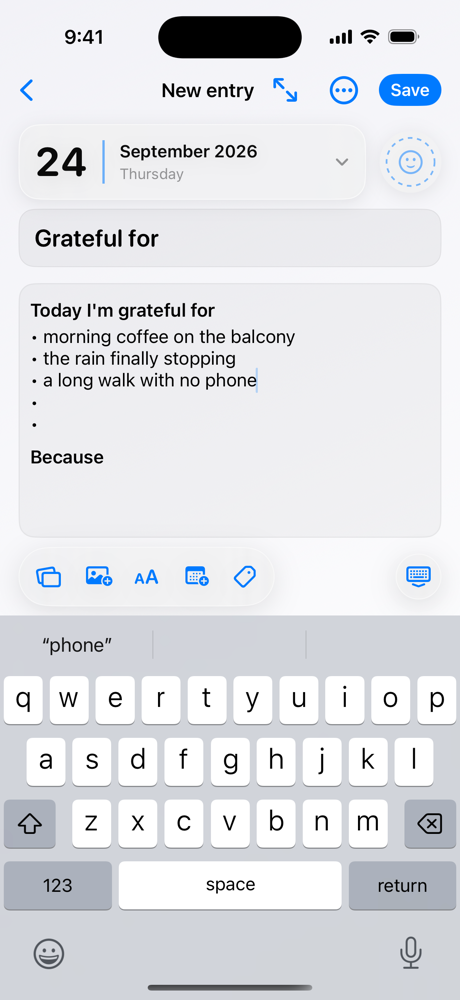
Write
Never face a blank page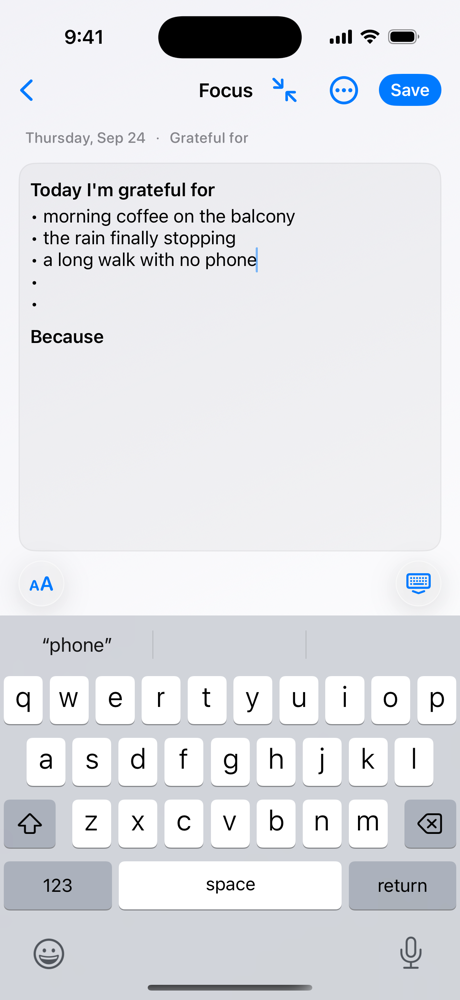
Focus mode
Just you and your words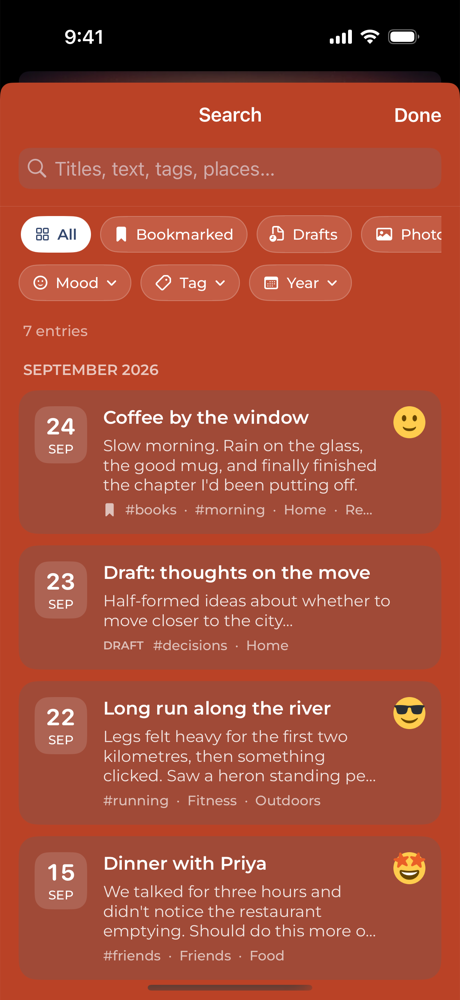
Search
Find any moment in secondsOn This Day
Years ago, today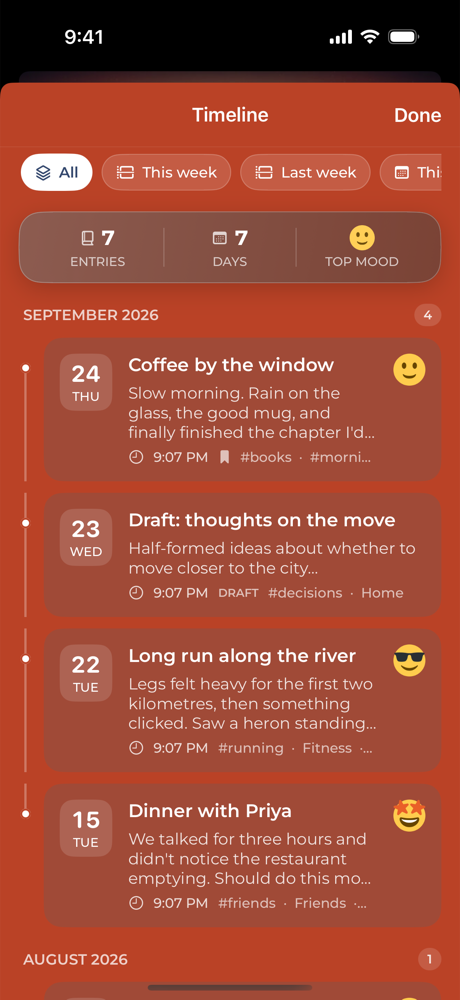
Timeline
Your story, month by month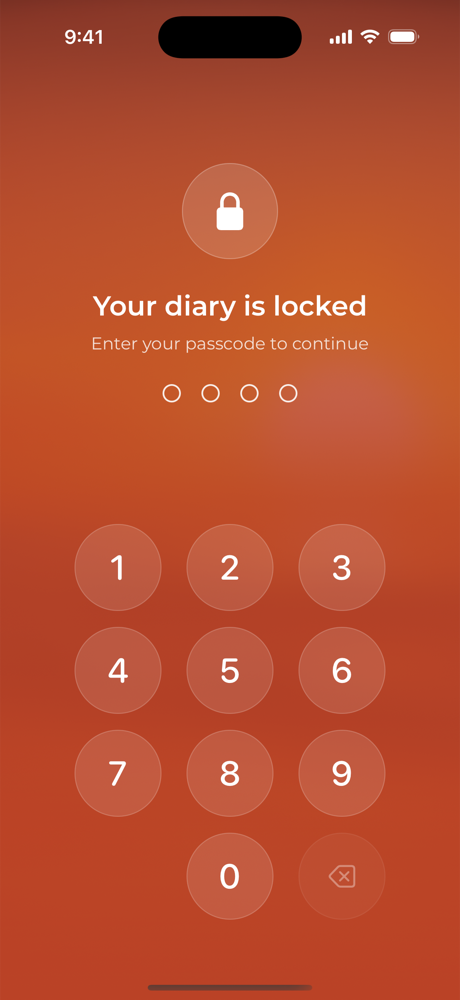
Lock
Private. Face ID and passcode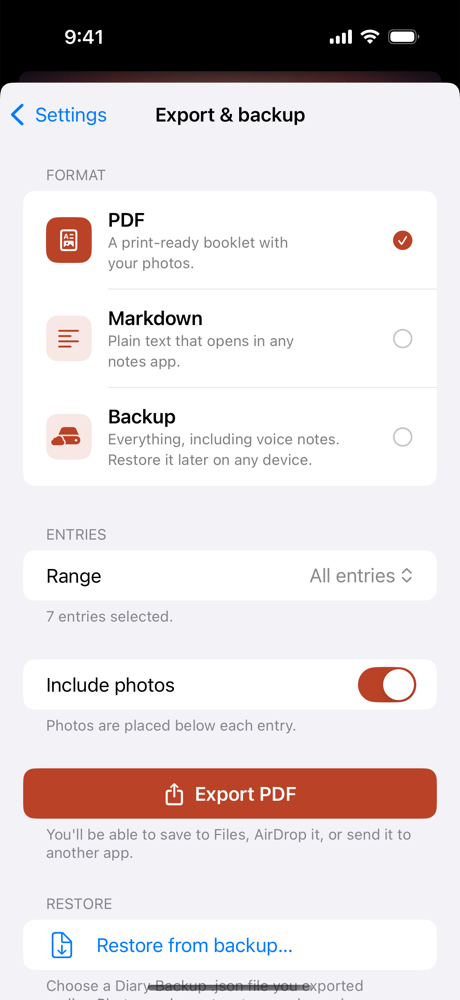
Export
PDF, Markdown or full backupNo sign-up, no server, no one reading over your shoulder.
Passcode, Face ID or Touch ID. Choose how quickly the diary locks again after you leave.
Home-screen widgets hide your text while the lock is on, so nothing shows at a glance.
There is nothing to sign up for. Your writing is stored on your device and in your own iCloud, never on our servers.
Export everything to PDF or Markdown at any time. Your diary is never locked into the app.
Pick a theme and the whole app follows: home, widgets and paper.
Every feature is included for free. Pay once to remove ads, and only if you want to.
Every feature, no account, no limits on entries.
Everything in Free, with no ads, ever. Price shown in the App Store in your local currency.
Recent reviews from the App Store.
Scan the code with your iPhone camera, or tap the button below.
Download on theApp StoreYes. Every feature is free. There is one optional one-time purchase that removes ads. No subscription.
No. There is nothing to sign up for. Entries are stored on your device and, if you turn it on, in your personal iCloud. We never see your writing.
Set a passcode, then turn on Face ID or Touch ID. You choose how soon the diary locks again after you leave the app. Widgets hide your text while the lock is on.
Yes. Turn on iCloud sync and every device signed into the same Apple ID stays up to date, including photos and voice notes.
Any time. Export a print-ready PDF booklet with your photos, Markdown files for any notes app, or a full backup you can restore on a new phone.
If Face ID or Touch ID is enabled you can unlock with that and set a new passcode in Settings. Because we never hold your data, we cannot reset a passcode for you. Keep a backup exported regularly.
Delete the app to remove everything on the device. To clear iCloud copies, open iPhone Settings, tap your name, then iCloud, Manage Storage, and remove Diary Keeper.
Bugs, ideas, or just a note about what you'd like to see next.
Something not working? Send the app version (Settings → About) and your iOS version, and we'll get back to you.
Email supportDiary Keeper is built by an independent developer, and most features started as an email from someone who uses the app.
Suggest a feature Diary Keeper